Roof Designer Tool
Show homeowners a new roof on their home and pair it with the garage door for a complete look.
Explore the tool →
Snap a photo of any home and show the homeowner their new garage door before they buy. Real styles, real colors, real windows, applied to their actual house in seconds. No design skills, no second appointment, fewer “let me think about it” answers.
Design the whole exterior with 300+ real manufacturer libraries








Homeowners hesitate when they can’t picture the result. Show them, and the decision happens in the room instead of weeks later.
Your garage door designer lives at one link you can open on any device, anywhere.
Take a photo of the home, or have the homeowner send you one. AI preps it in under a minute.
Apply real garage door styles, colors, and windows. No design experience needed.
Share the design, help them picture it, and move from maybe to yes.
Move quickly from a homeowner’s vague preference to a real product direction they can see on their own house.
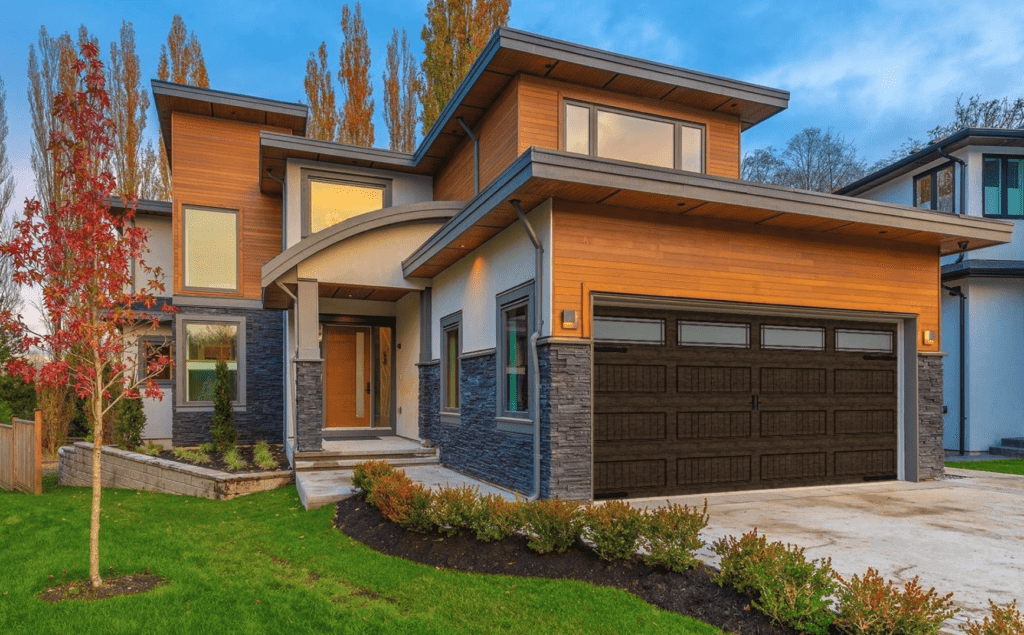
Raised panels and familiar profiles for homeowners who want a classic exterior.
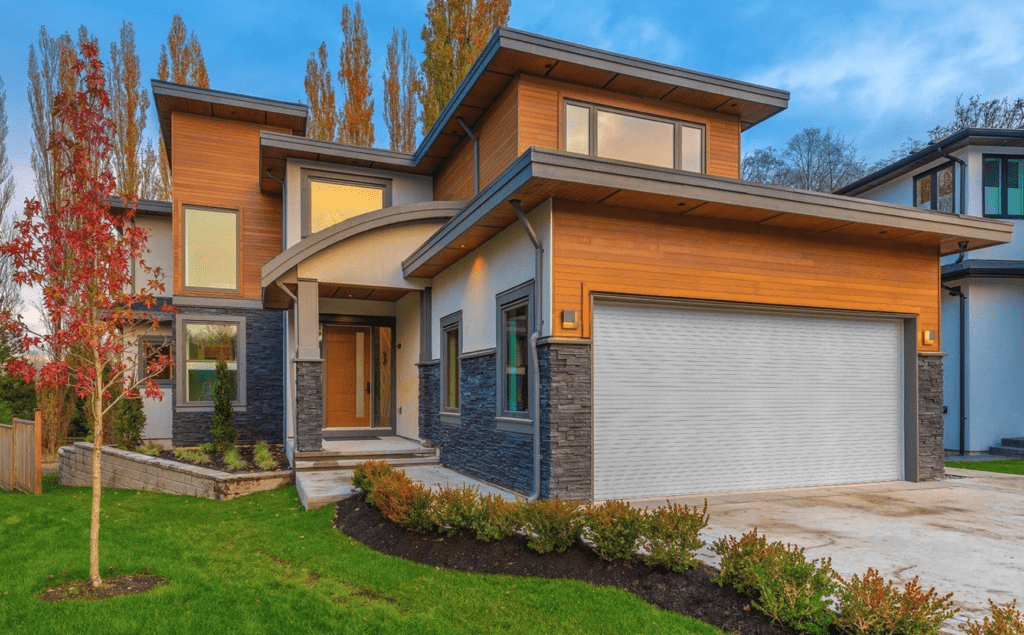
Soft whites and warm neutrals that keep the elevation bright and clean.
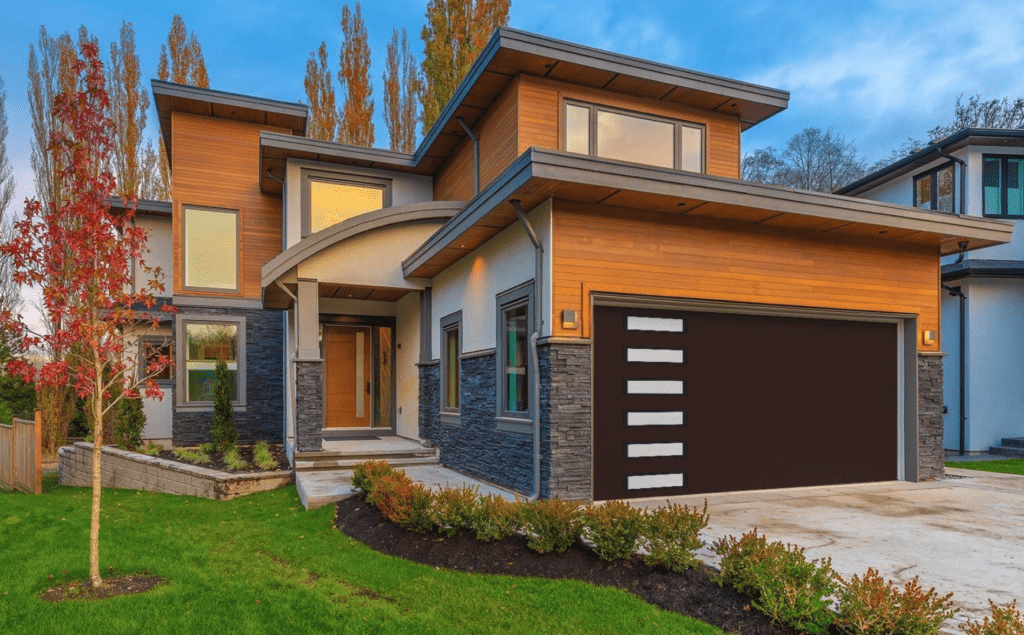
Deeper colors and simpler lines for a stronger contemporary look.
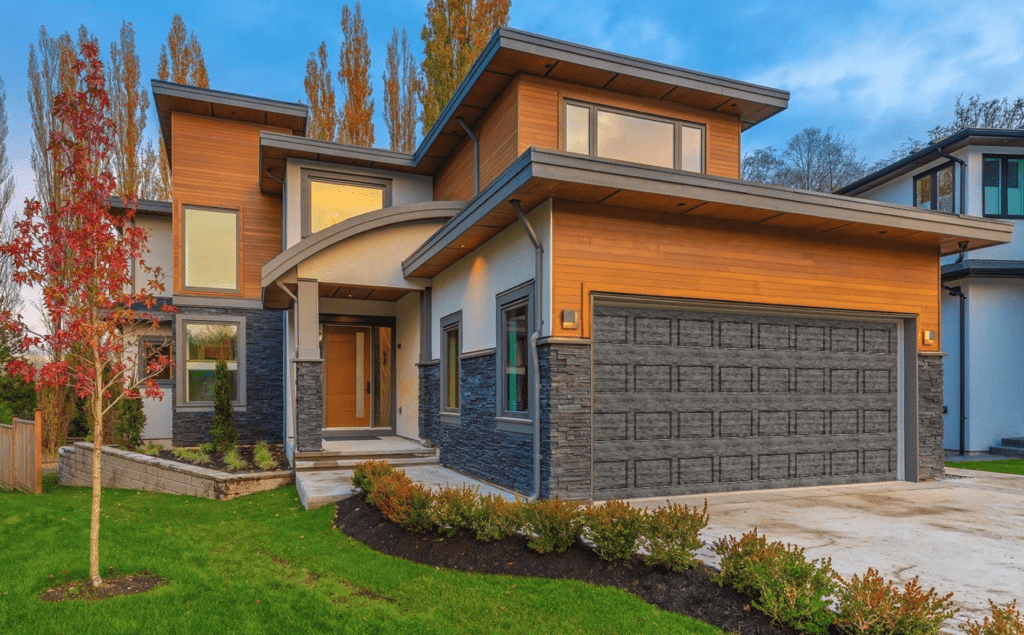
Show whether glass lifts the curb appeal or distracts from the rest of the home.
The garage door is often the largest single feature on the front of a home, so the style sets the tone for the whole exterior. Start with the overhead door type and panel layout, then match the color and trim to the siding, roof, and front door already on the house.
Keep raised panels, carriage details, flush panels, or full-view glass aligned with the age and shape of the home.
Use color to either quiet the garage door down or turn it into a curb-appeal feature.
Compare the final choices on a real photo before anyone orders the product.
Windows are a specific design decision with a big visual impact. Seeing both versions side by side makes the answer easier.
The fastest answer is to visualize both options on the same home photo before the product conversation turns into guesswork.
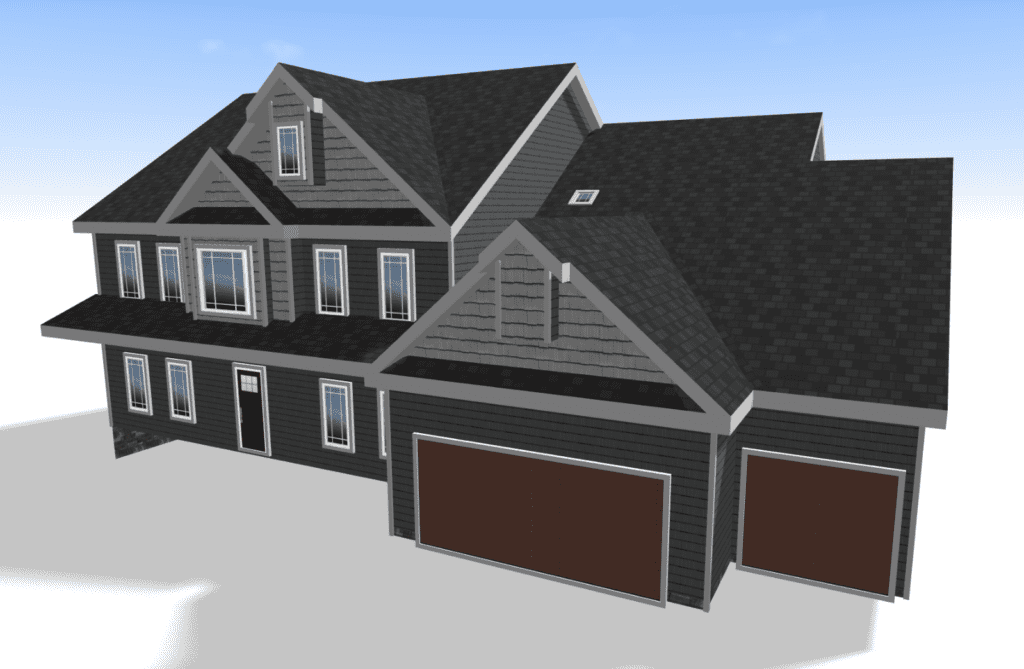
For bigger exterior projects, generate a 3D model of the home from a measurement report and show garage doors, siding, roofing, windows, and other products on more than one view.
Renoworks works with measurement providers like EagleView, so contractors can move from a single front-photo design into a fuller planning conversation when the job calls for it.
“Showing homeowners the finished look adds $3,000 to $10,000 in upsells on the average job.”
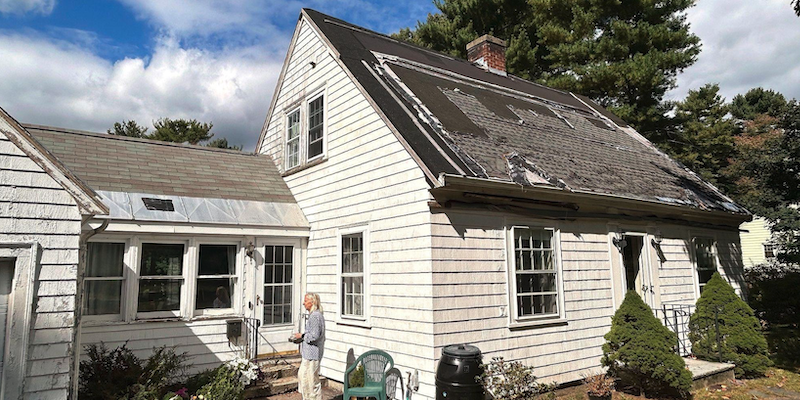
Show homeowners a new roof on their home and pair it with the garage door for a complete look.
Explore the tool →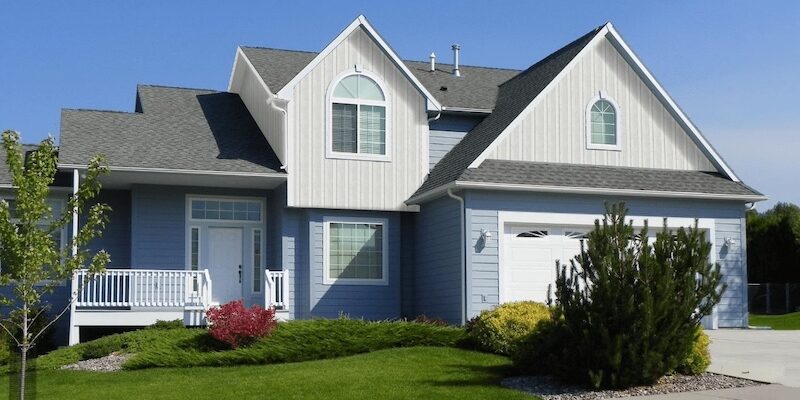
Test siding colors and materials against the new garage door before committing.
Explore the tool →
Route homeowner inquiries from your visualizer straight into the tools you already use.
Read more →Request a demo and our team will walk through your business goals, show how the garage door designer works, and recommend the right visualizer setup.
Homeowners can use the garage door designer to explore styles and colors, then refer a contractor or use our Design Consultation Services to take it further.
Yes. We offer one-on-one training sessions, on-demand onboarding webinars, how-to videos on our YouTube channel, and phone and email support.
Yes. Renoworks visualizers can be configured around real product libraries, brand experience, and the customer journey your team wants to support.
Renoworks works with measurement providers like EagleView to generate 3D models you can visualize measurements on, or apply products and colors to.
Yes. We are continuously growing our partnerships and integrations, including the major CRMs.
Yes. Many builders and architects use Renoworks Pro to speed up the product and color selection phase.
Renoworks Pro is pre-loaded with over 300 manufacturer digital libraries, including garage doors, siding, roofing, windows, doors, paint, stone, brick, and shutters.
Request a demo to see how Renoworks Pro helps contractors present real garage door products on the homeowner’s actual house.