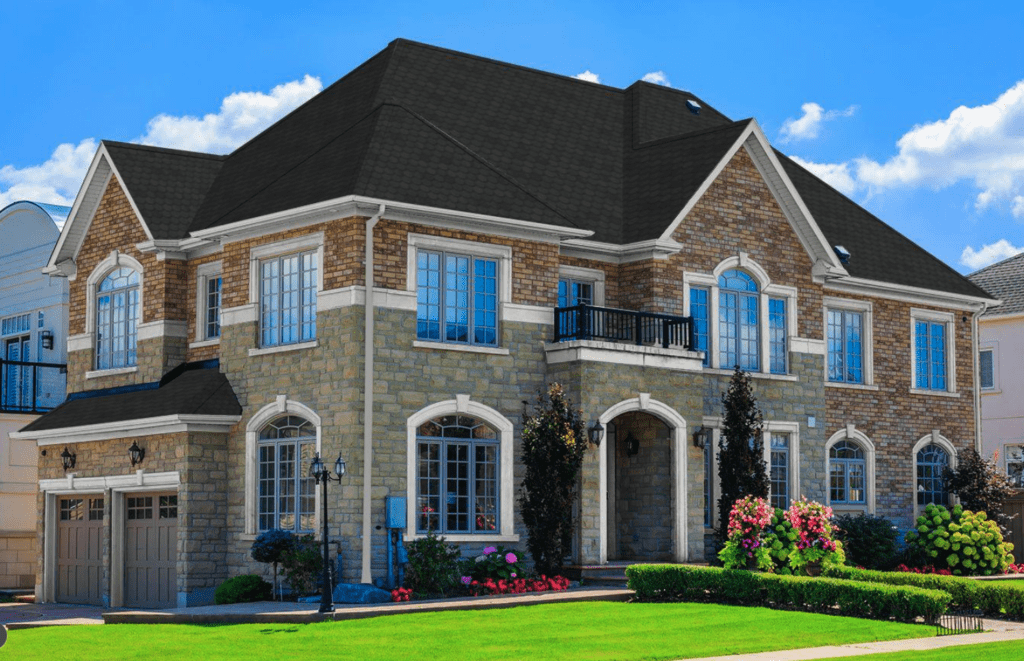
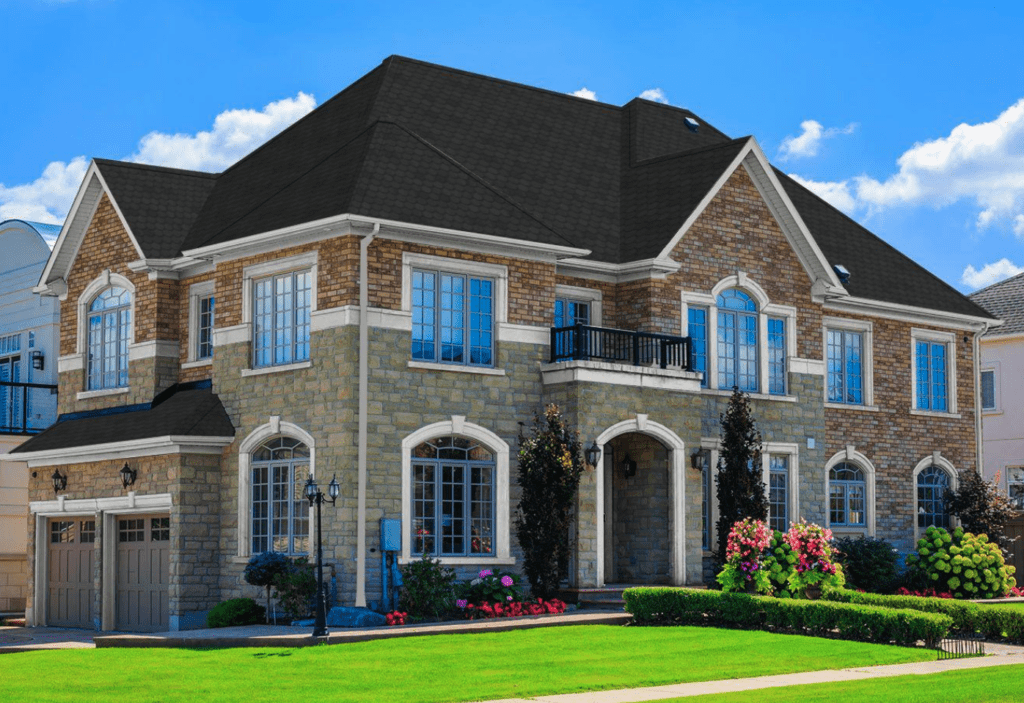
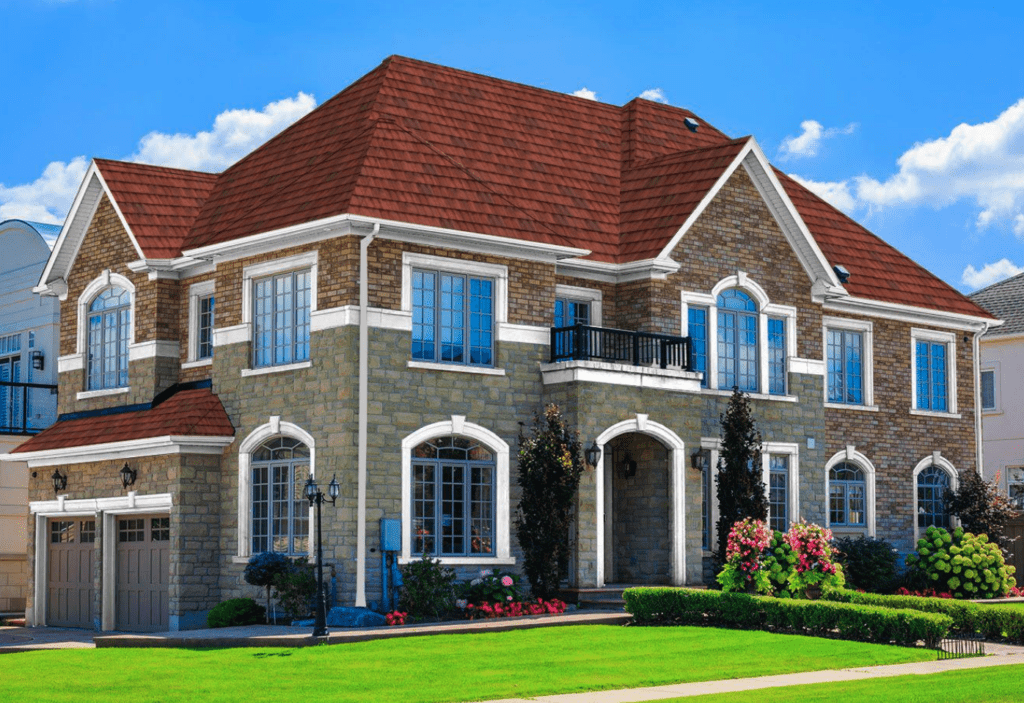
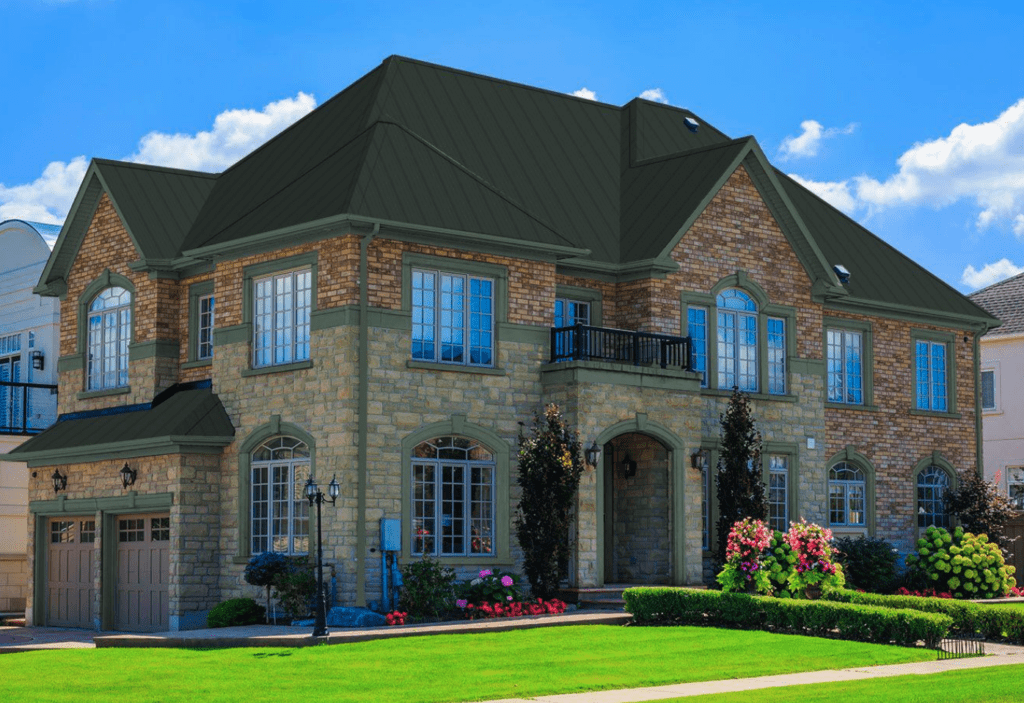
Roof Designer: See How Different Shingle Colors Look on Your Home
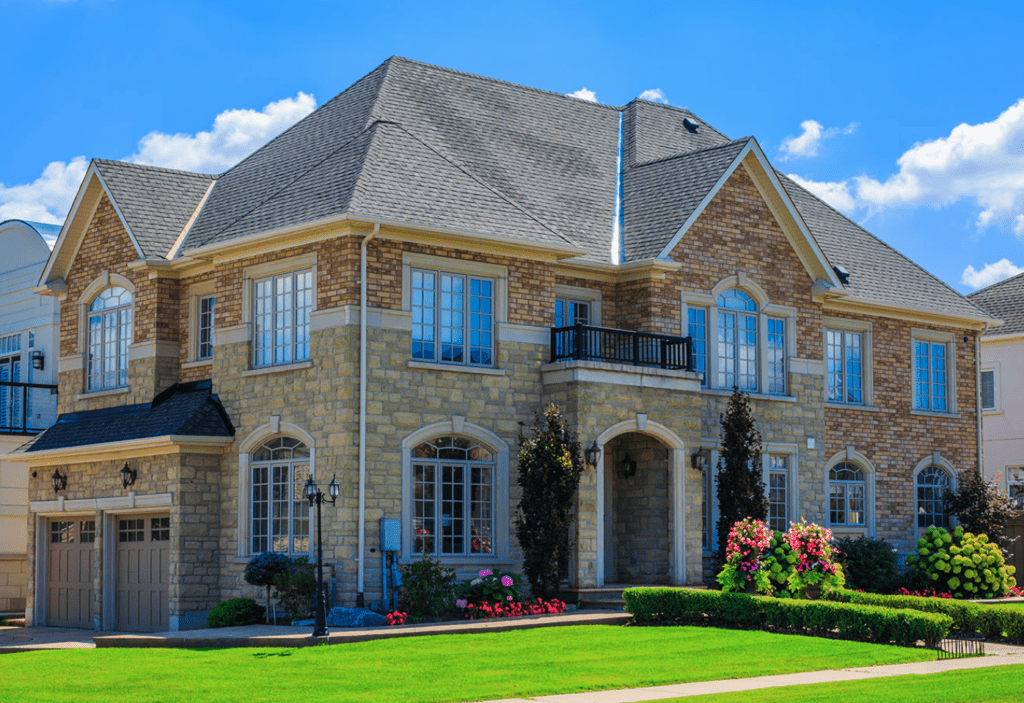
Visualize new roofing materials instantly! Use ai roof design to test asphalt shingles, slate tiles, and metal roofing to find the perfect match for your home style. Start designing in seconds—no guessing, just real-time roof color visualization!
No more guessing how your new roof will look. With our advanced roof designer, you can see different styles, materials, and colors come to life right on your home or project. This intuitive roof design tool allows you to make informed decisions before you commit to a design, ensuring that your new roof is both functional and beautiful.
Try Different Roofing Materials & Colors Using The Best Roof Design Software
Not All Roofs Are the Same Roofing material and color can completely transform a home’s appearance. Whether you’re planning a new roof installation or upgrading an existing one, our roof design tool helps you and your clients see the difference instantly.
Explore roofing materials like asphalt shingles, metal roofing, slate tiles, and wood shingles
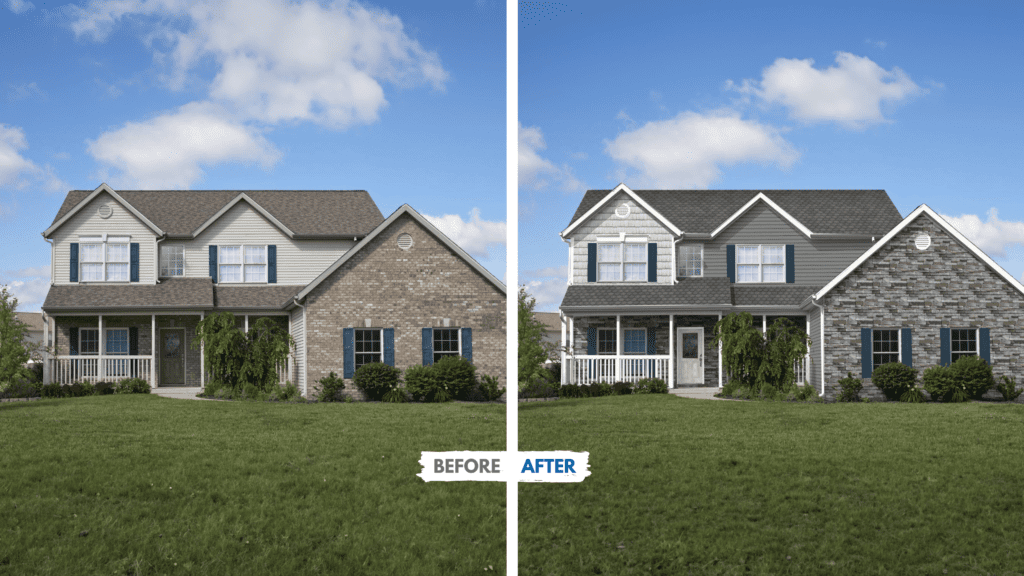
Find the right shingle colors for your new roof with the roof color visualizer and showcase style options with confidence
Show homeowners exactly how different roofing choices will look on their own home using an ai roof design before starting the project
Upsell minor repairs into full roof replacements by using the roof generator to visualize the full impact of color and material changes
Designed for Homeowners & Contractors
Simple, Smart, and Built for Results Roofing contractors can use roof designer tool to help clients choose roof colors faster and with greater confidence. AI roof design built for both pros and homeowners, our interface simplifies the decision-making process.
Easy-to-use ai roof design tool – no technical knowledge required
Tailored for both contractors and homeowners planning exterior upgrades
Support more confident sales conversations with true-to-life roof generator previews
Save time on material selection and streamline the remodeling journey
Why Use This Roof Design Tool?
Choosing the right shingle color and roofing material can be overwhelming. This roof design software helps you and your clients see exactly how a new roof will look—before making any decisions. Start with the free online roof tool.
Instantly preview asphalt shingles, metal roofing, slate tiles, and more
Test real product colors on your home’s actual photo using ai roof design
Eliminate guesswork and build confidence in every selection
Speed up the sales process by letting homeowners explore and decide faster
Bring Your Vision To Life With 3D Design
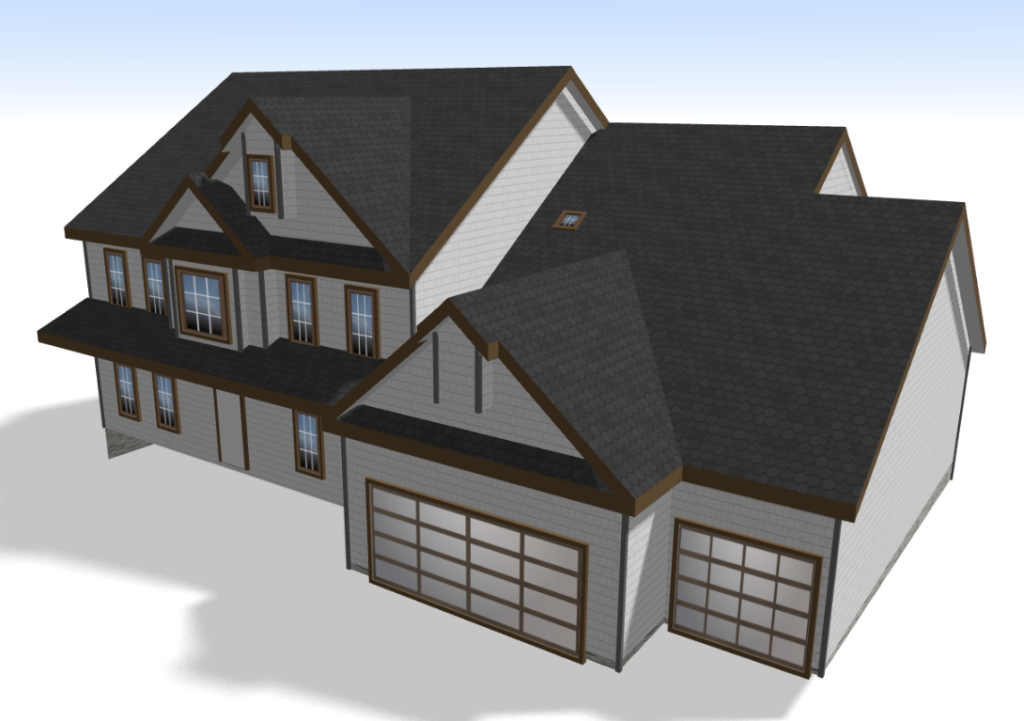
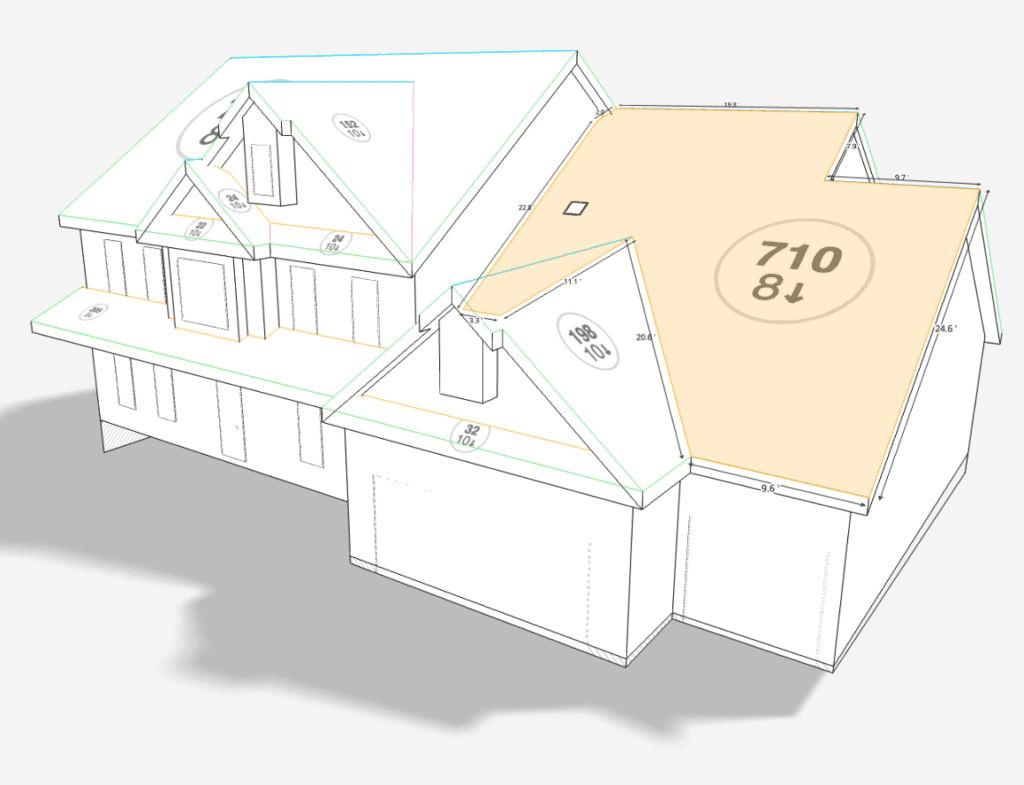
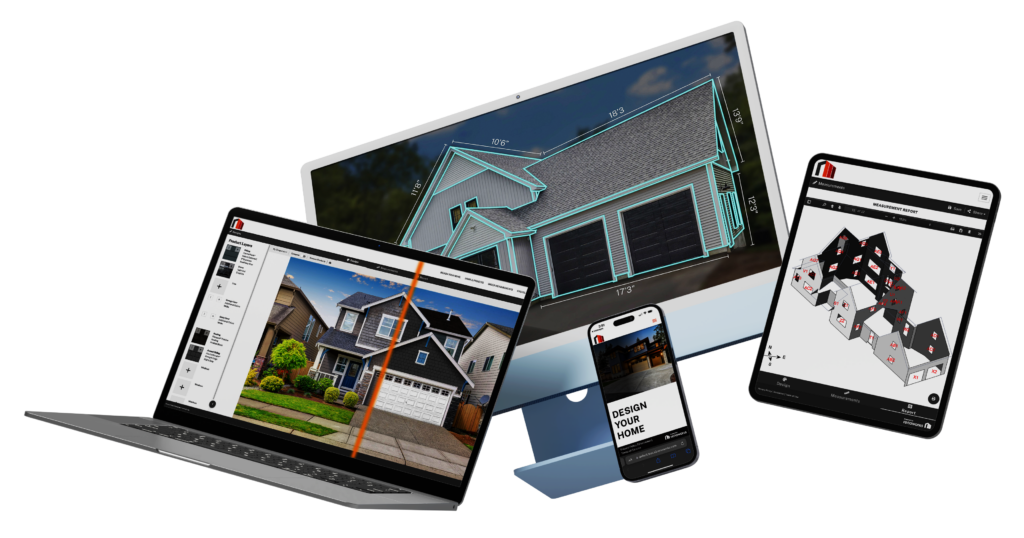
Take your exterior design to the next level with 3D rendering. Generate 3D models within seconds from your measurement report, and use the roof designer to visualize new products and colors on all sides of the home!
Experience every angle and detail with stunning 3D visuals and ai roof design.
Perfect for showcasing new roof designs to your homeowners for confident decision-making.
Save and share your 3D models with ease.
"Renoworks Pro helps the homeowner visualize. It fast tracks their decision-making process by giving them clarity and confidence in their decision."
Wayne Verboomen
Professional Remodeler
Design Tricky Roofs Quickly
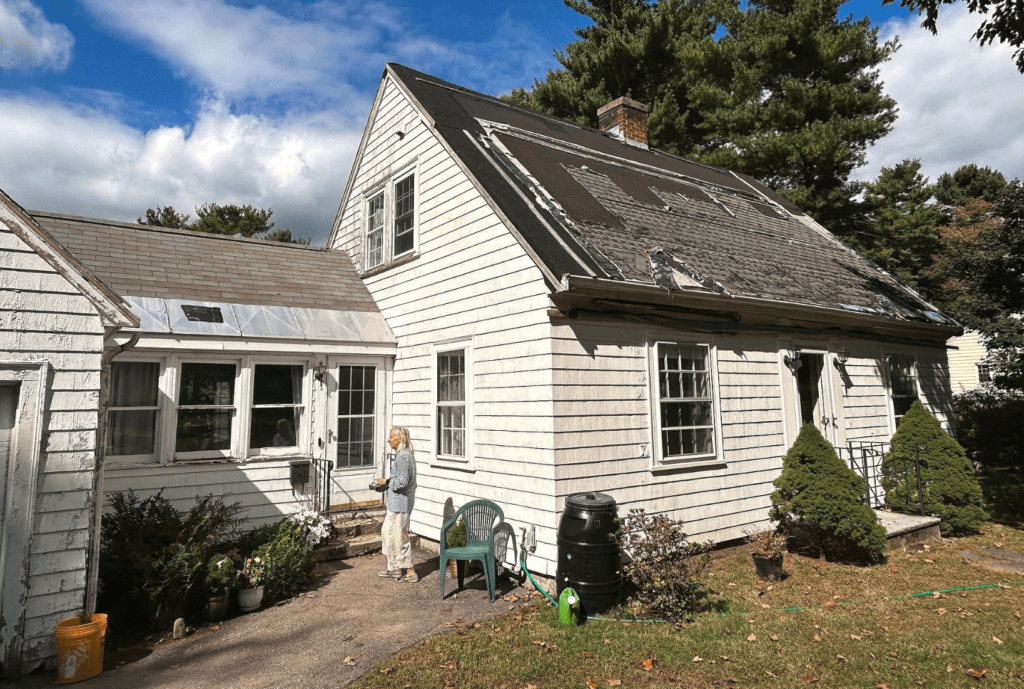
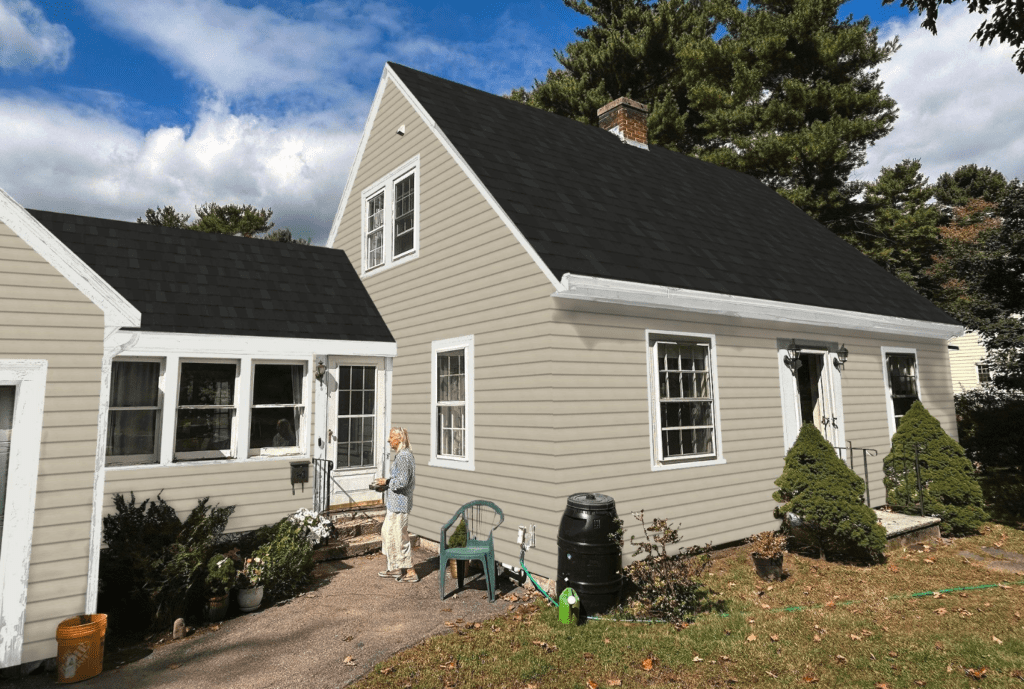
Explore the most advanced AI in exterior remodeling. Use AI roof design to easily design even the trickiest roofs without the hassle of finding the perfect photo.
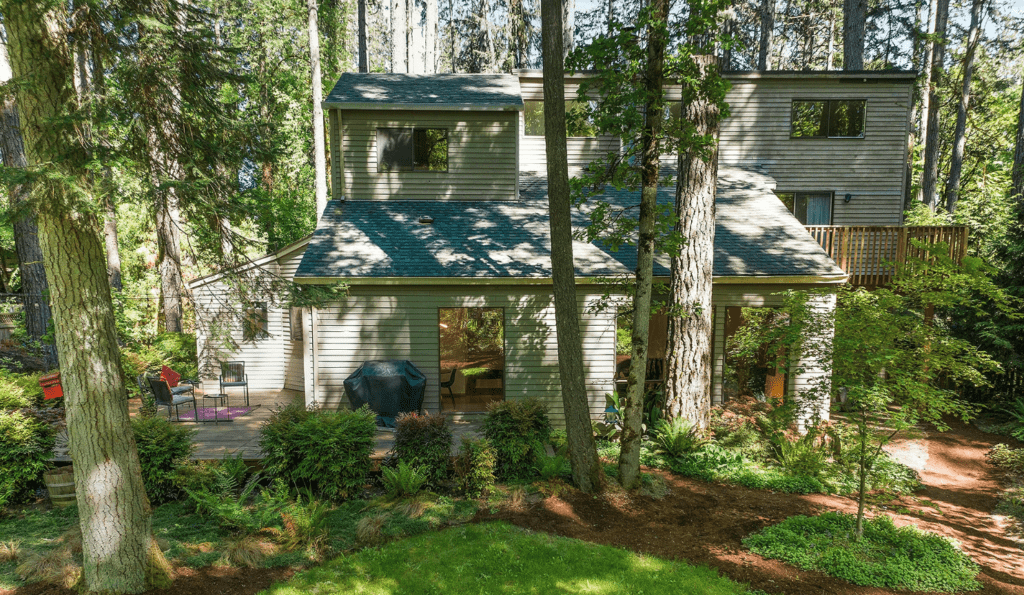
Uploaded Photo (Before)
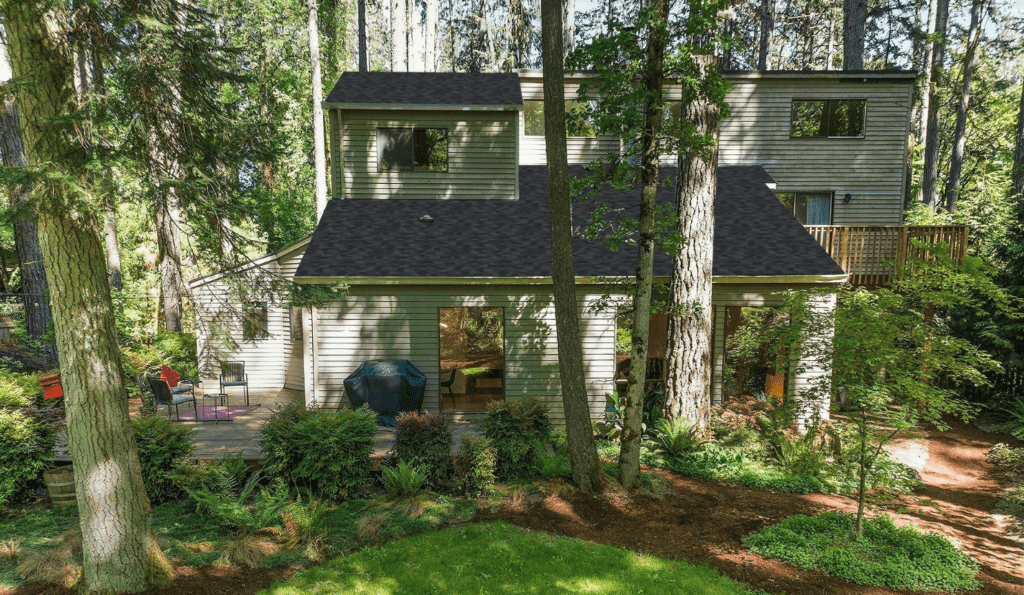
Designed in Renoworks Pro (After)
Try Our Free Online Roof Design Tool
See for yourself how easy it is to visualize new products and colors using our free online roof design tool below.
The Renoworks Roof Designer is an online tool that lets you see real roofing products applied to a photo of your home. Upload a photo, try products from leading brands, and preview the result in your browser.
⚡Is the roof designer free?
You can try the roof designer and preview a selection of products at no cost. Full access, including the complete product catalog, is available through Renoworks plans for contractors and manufacturers.
⚡Can I try real roofing products on my home?
Yes. You can apply real roofing products and colors from leading manufacturers to a photo of your own home, so you can compare looks before you choose.
READY TO GET STARTED?
See your new roof before the first nail is hammered
Skip the guesswork, and the grueling back-and-forth caused by homeowner indecision and unlock the power of visualization for faster closing rates, increased upsell opportunities and skyrocketed customer satisfaction.
Upload a photo and start designing in under a minute.
Design with the remodeling industries' largest collection of real-world brands, products and colors.
Connect your EagleView account for instant access to 3D model designing.