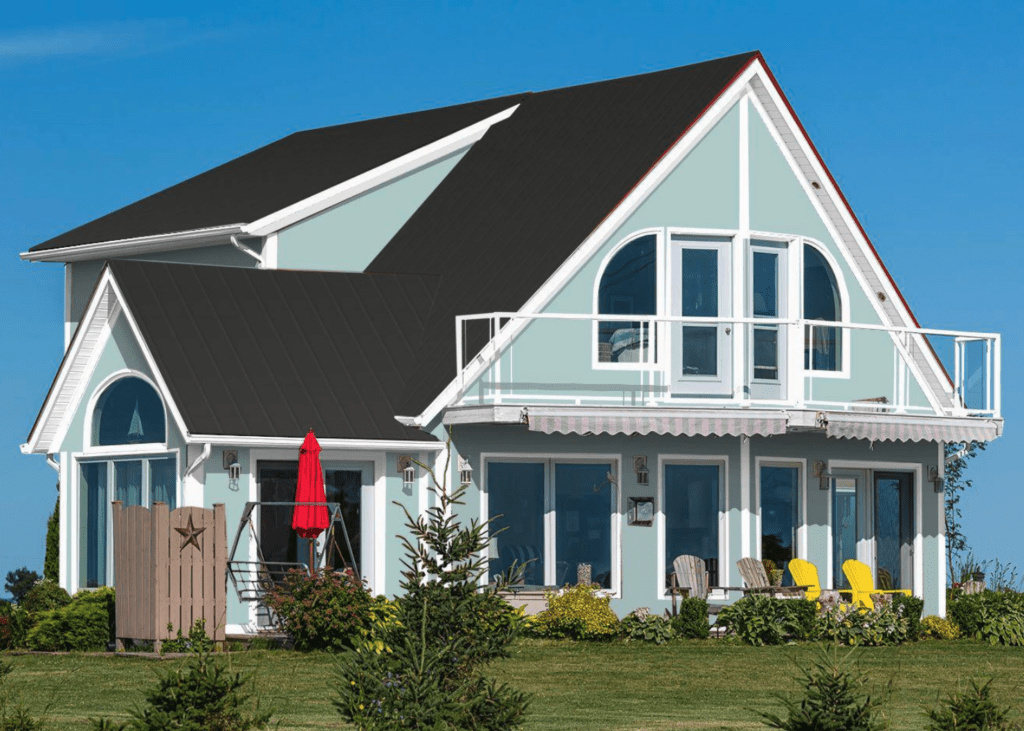
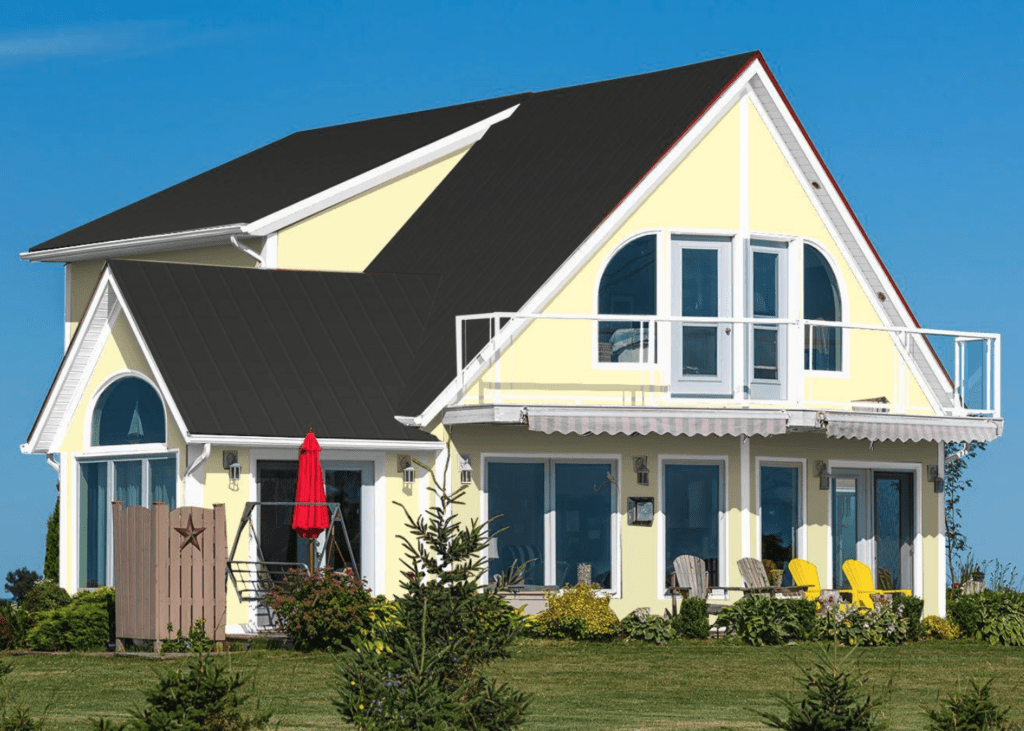
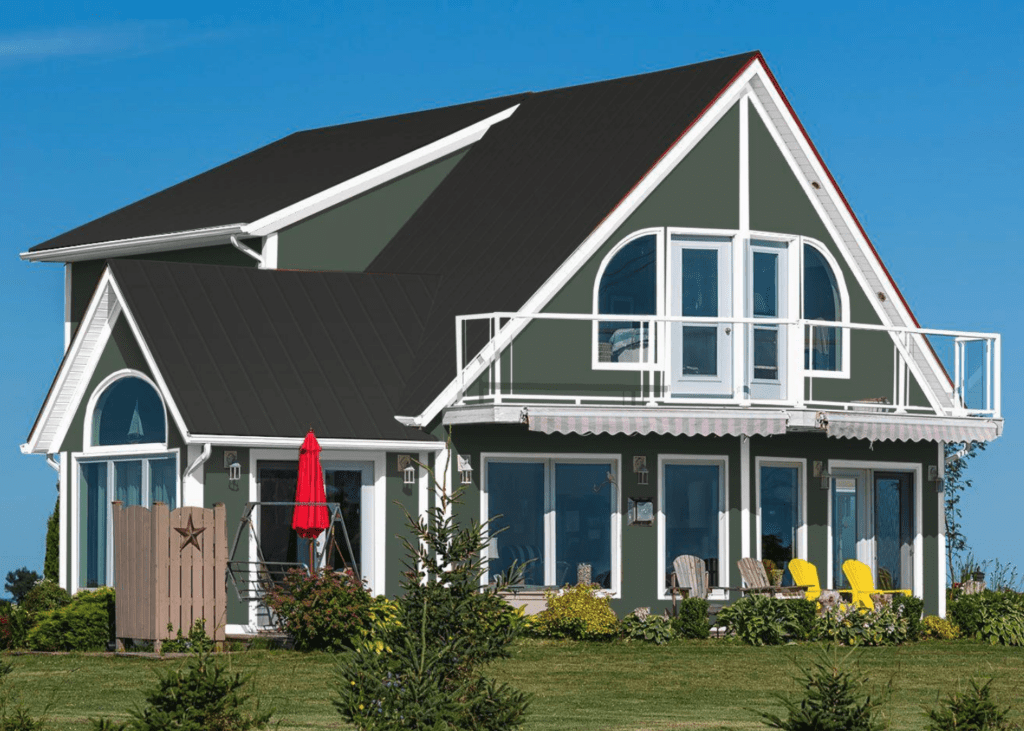
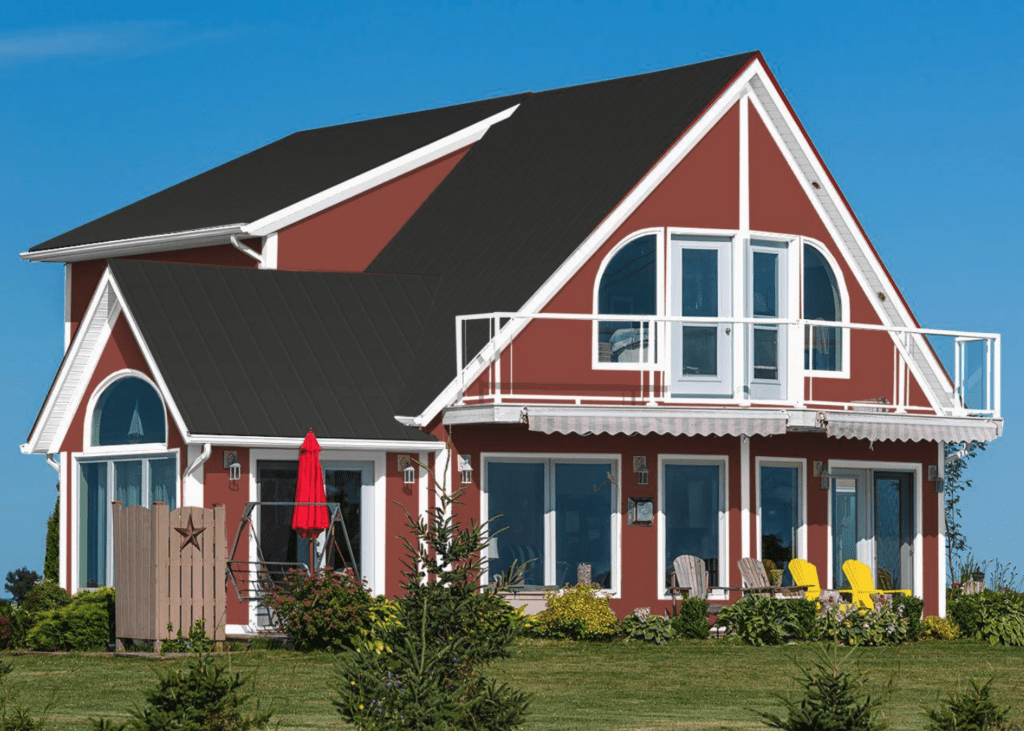
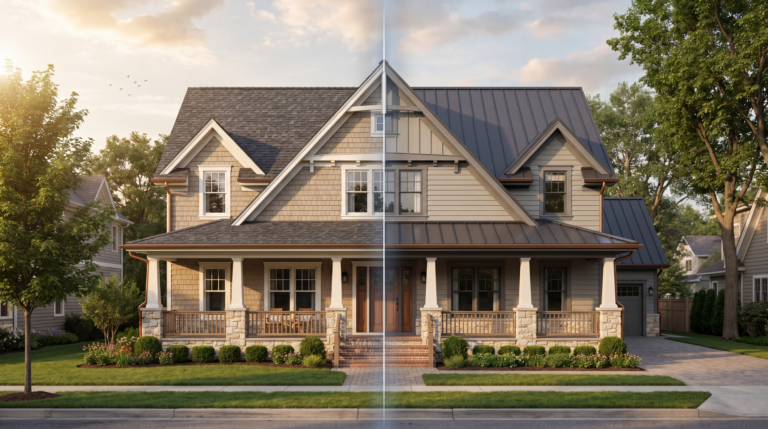
Upload a photo to preview exterior paint colors online at no cost. Compare options before you paint and choose with confidence.
Upload a Photo to See What Your House Would Look Like Painted
Try Thousands of Paint Colors with Ease
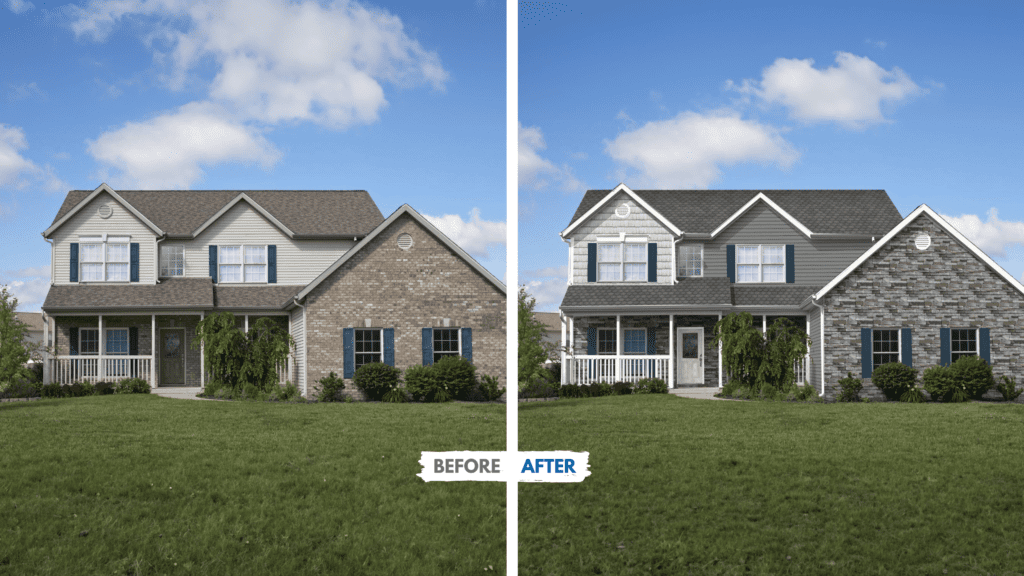
Choose an exterior paint color without relying on a small swatch alone. Upload a photo of your home, try color combinations on siding, trim, and doors, and compare the options side by side before you decide.
Experiment with light or dark tones and see how they look in real-world lighting
Test multiple shades across siding, trim, and doors in seconds
Use intuitive paint tools to compare your favorite options side by side
Designed for Homeowners & Professionals
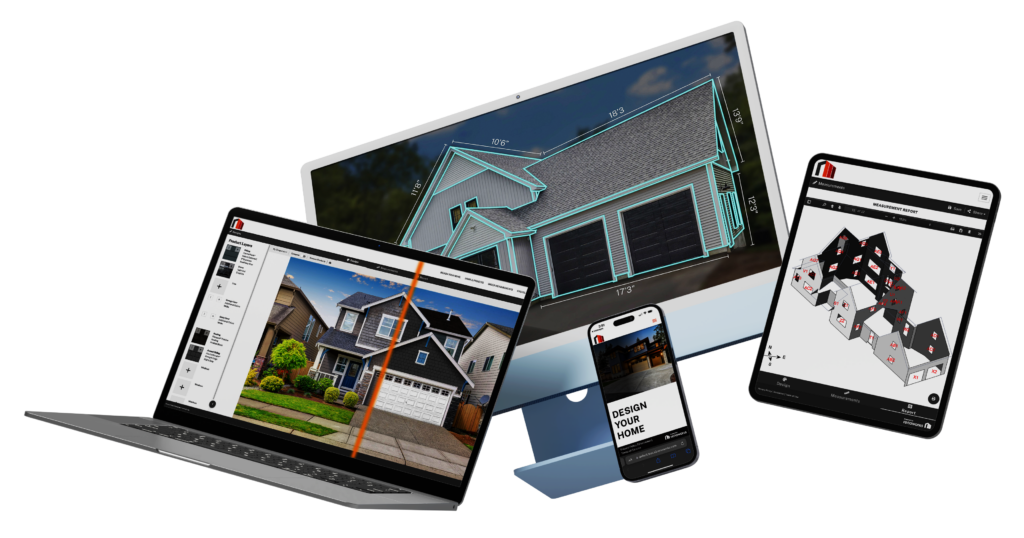
Whether you’re a designer, contractor, or homeowner, this paint visualizer toolhelps you make better, faster decisions.
Easy-to-use interface designed for contractors and professionals working with homeowners.
Quickly try on new real world paint colors and products
Share or download your designs with your homeowners or let your homeowners do it themselves!
"Renoworks Pro helps me increase conversion rates. Once a homeowner see’s a rendering of their home, they don’t want to change the product selections."
Mike Zerby
Custom Home & Remodeling Center
AI-Powered, Photo-Realistic Paint Rendering
Renoworks’ AI reads your home’s shape, shadows and materials, so every paint color sits on the house the way real paint would rather than looking pasted on. Try warm neutrals, bold accents or a whole new color scheme and see the result in seconds.
See how real paint colors and products will look on your own home before you decide.
Explore options easily and narrow your choices without stress or guesswork.
Share your design and move forward with trusted professionals when you’re ready.
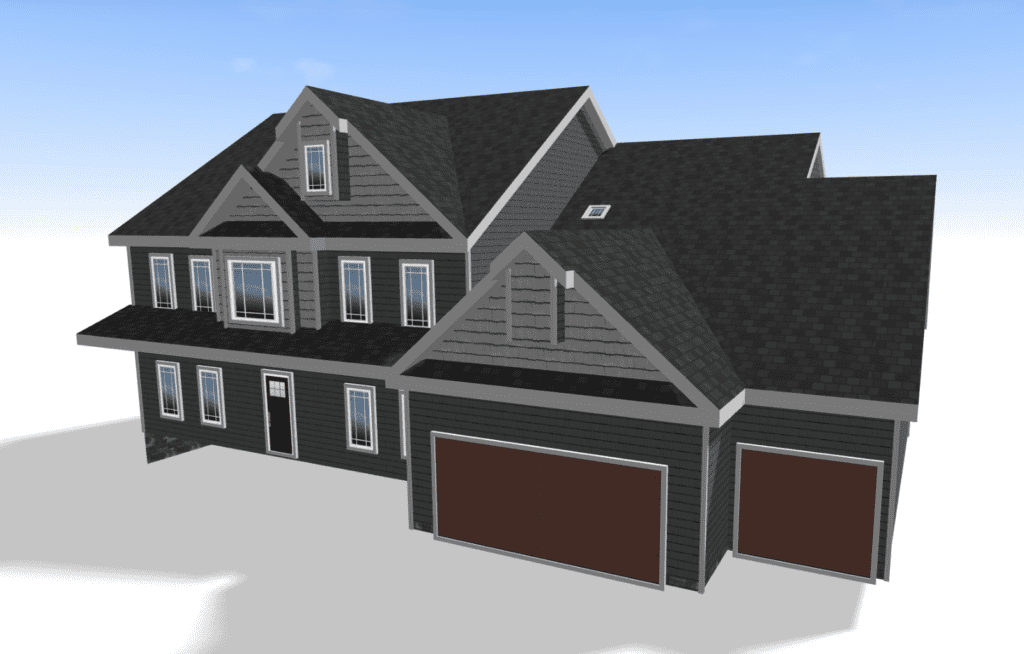
Bring Your Vision To Life With 3D Design
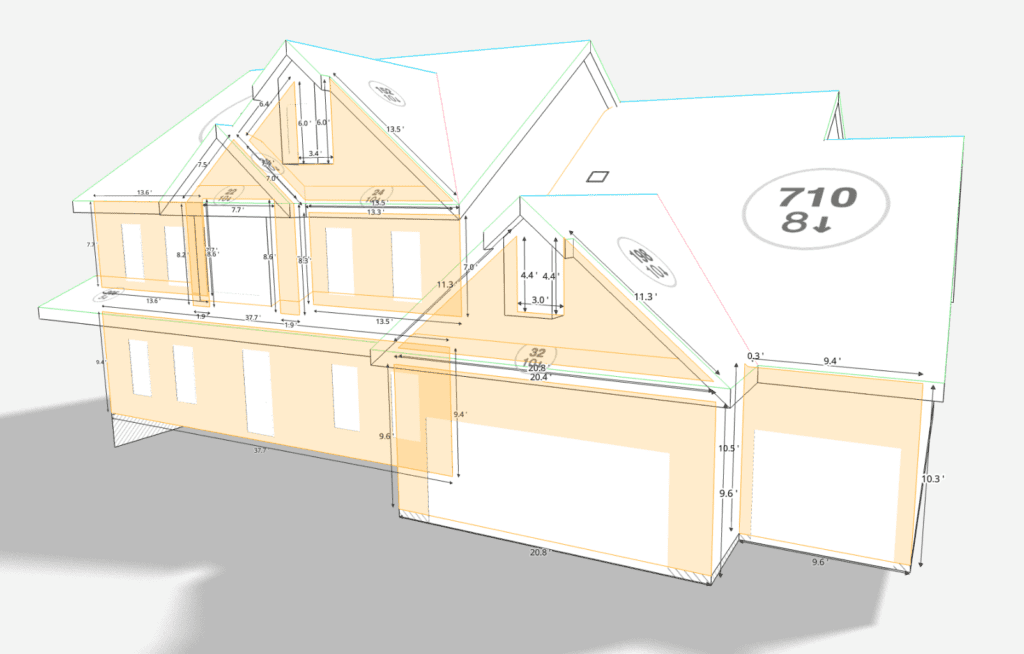
Take your exterior design to the next level with 3D rendering and the exterior paint visualizer. Generate 3D models within seconds from your measurement report, and visualize new products and colors on all sides of the home!
Experience every angle and detail with stunning 3D visuals.
Perfect for showcasing new designs to your homeowners for confident decision-making.
Save and share your 3D models with ease.
READY TO GET STARTED?
Build your own house paint visualizer in less than 5-minutes
Show clients exactly what they are getting. When a homeowner can see real products on a photo of their own home, choices get made with confidence, approvals come sooner, and the finished job matches what they pictured.
Upload a photo and start designing in under a minute.
Design with the remodeling industries' largest collection of real-world brands, products and colors.
Connect your EagleView account for instant access to 3D model designing.
The Renoworks Paint Visualizer is an online tool that lets you try exterior paint colors on a photo of your home. Upload a photo, pick colors, and preview the result in your browser.
⚡Is the paint visualizer free?
You can try the paint visualizer and preview colors at no cost. Full access, including the complete color catalog, is available through Renoworks plans for contractors and manufacturers.
⚡Can I try exterior paint colors on my own home?
Yes. You can preview exterior paint colors on a photo of your own home, so you can compare options and feel more confident before you paint.
⚡Will the paint colors in the visualizer match the real paint can?
Renoworks renders colors as photo-realistically as possible against your home's actual lighting and materials, but screen colors can vary by device. Always confirm your final choice with a physical paint swatch or sample pot before painting.