



AI Siding Visualizer Tool: Transform Your Home's Exterior with Stunning Siding Designs
Visualize new siding products and colors instantly! Test siding materials, trim, and colors using our house siding color simulator to bring your dream home to life.
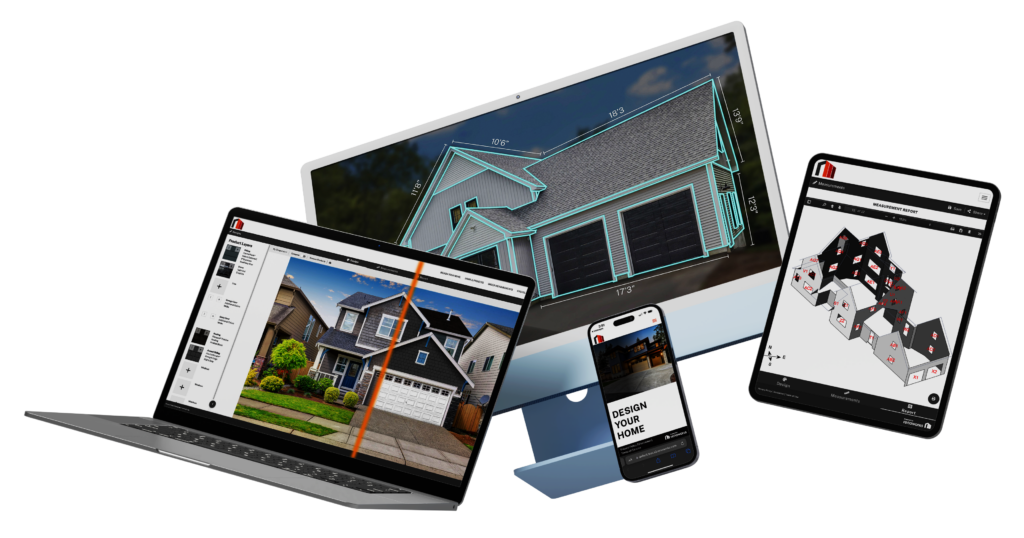
Save time and money by using the Renoworks Pro house siding visualizer to find the perfect siding products and colors before construction begins. All you need is a photo of the home. Say goodbye to traditional swatch books and guesswork. Our AI siding visualizer prepares homes ready for design in under a minute. Connect your EagleView account to unlock the power of 3D rendering at no extra cost.
Try Different Siding Colors & Materials
Match your siding color with the perfect trim and exterior design to create a cohesive look. Our ai siding visualizer helps you explore a variety of options for any exterior house or home design style.
- Preview vinyl siding, composite siding, and engineered wood siding in seconds
- Instantly test real siding products, trims, and colors on a photo of your actual home in the house siding color simulator
- Save time and boost homeowner confidence with visual clarity before installation begins


Quick, Realistic 3D Rendering
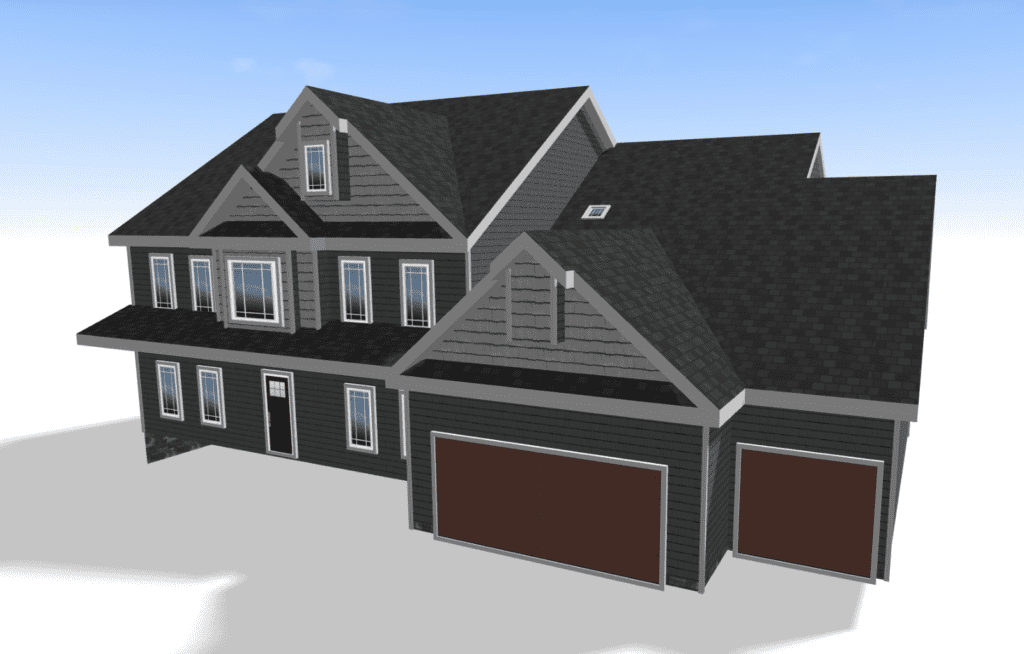
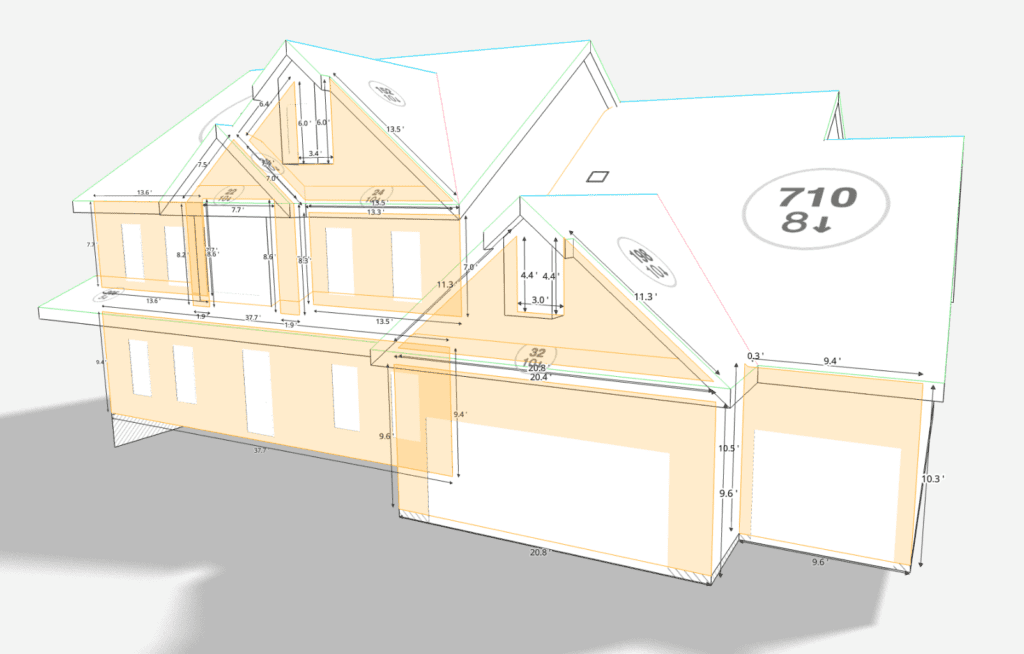
Take your siding design to the next level with a detailed 3D model of your client’s home in the house siding color simulator —powered by our EagleView integration. Instead of uploading a photo, we generate a high-fidelity 3D model based on real property data.
- Visualize your project from every angle—siding color, trim, texture, and more
- Enable precise design decisions with accurate rooflines and wall dimensions
- Show clients a full 3D exterior transformation, not just a flat image
Why Use This Tool?
Choosing new siding can be overwhelming. The Renoworks ai siding visualizer makes it easy to mix and match siding colors and trim to create a look that fits your home’s style.
- See what works best for your exterior house before committing
- Compare color combinations with the siding simulator to try real products and materials
- Help homeowners feel confident in every home design decision
Try Our Demo Visualizer
Does this sound like you.. “how do I try a free siding visualizer on my house?”
See for yourself how easy it is to visualize new products and colors using our ai siding visualizer demo below.
Start by trying on generic products on the sample home, or upload a photo of your own project!
Open up any of the toggles by clicking it!
If you have any questions that aren’t answered here or need more assistance, please don’t hesitate to Email our Customer Success team or schedule a short meeting to discuss your specific business needs.
Homeowners can refer their contractor to get a Renoworks Pro visualizer by signing up here (link to first promoter affiliate sign up page). Contractors can share their visualizer with the homeowner. OR homeowners can use our Design Consultation Services for Homeowners here (link to DS consult page)
Yes! We offer 1-on-1 training sessions, on-demand onboarding webinars, lots of how to videos on our YouTube channel, and phone & email support.
Yes, you can cancel anytime via email or phone 3 days before your next payment cycle to ensure you don’t get charged again.
Renoworks works with measurement providers like EagleView to generate 3D models which you can visualize the measurements on or apply products and colors. Renoworks does not collect measurements of homes.
Yes! We are continuously growing our partnerships and integrations. Please check our partner pages to learn more about each integration. (link to RW partner pages).
Yes! Many builders and architects use Renoworks Pro to speed up the product and color selection phase. Simply upload an image of the blueprint of an image of your rendering into the visualizer and instantly change out new colors and products.
Renoworks Pro is pre-loaded with over 300 manufacturer digital libraries of actual products and colors. This includes various kinds of siding (like metal, composite, vinyl etc), roofing (including metal, asphalt, composite, wood shingles etc), windows, doors, garage doors, paint, stone, brick, and shutters.
Renoworks Pro can be used to visualize new paint colors on images of interiors, but the product libraries are primarily for exterior home design.
READY TO GET STARTED?
See your new siding before the first nail is hammered
Skip the guesswork, and the grueling back-and-forth caused by homeowner indecision and unlock the power of visualization for faster closing rates, increased upsell opportunities and skyrocketed customer satisfaction.
- Upload a photo and start designing in under a minute.
- Design with the remodeling industries' largest collection of real-world brands, products and colors.
- Connect your EagleView account for instant access to 3D model designing.
Design Inspiration Articles
Love what you see? Check out more inspiration articles or explore our visualizer tools to see your dream home take shape.