
Renoworks / AI for home exterior design
AI for home exterior design,
on a photo of your own house.
Renoworks is a home exterior visualization platform that uses AI to show homeowners real siding, roofing, and paint products on a photo of their own house. The AI improves the realism of those visualizations without changing the products shown.
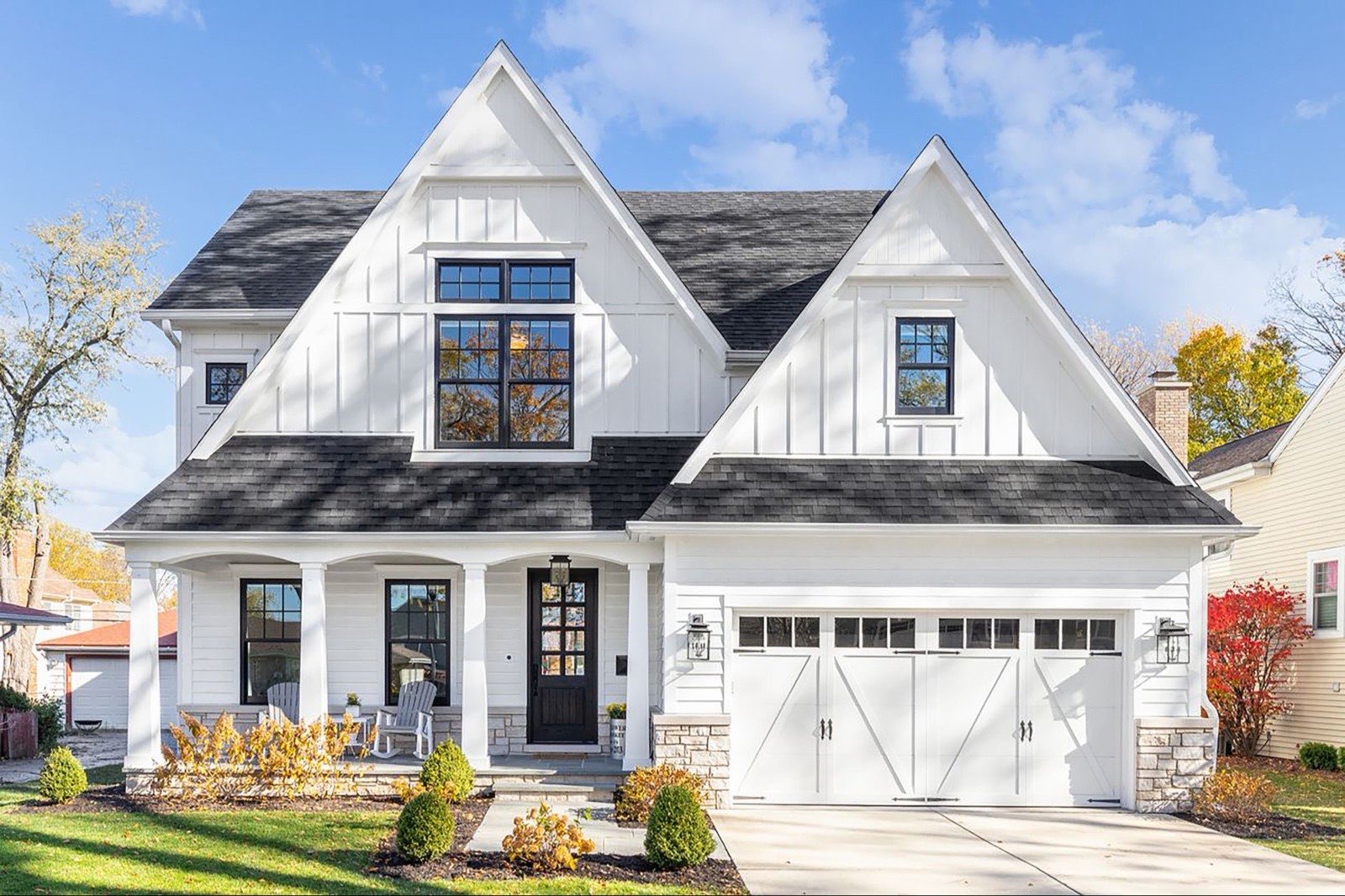
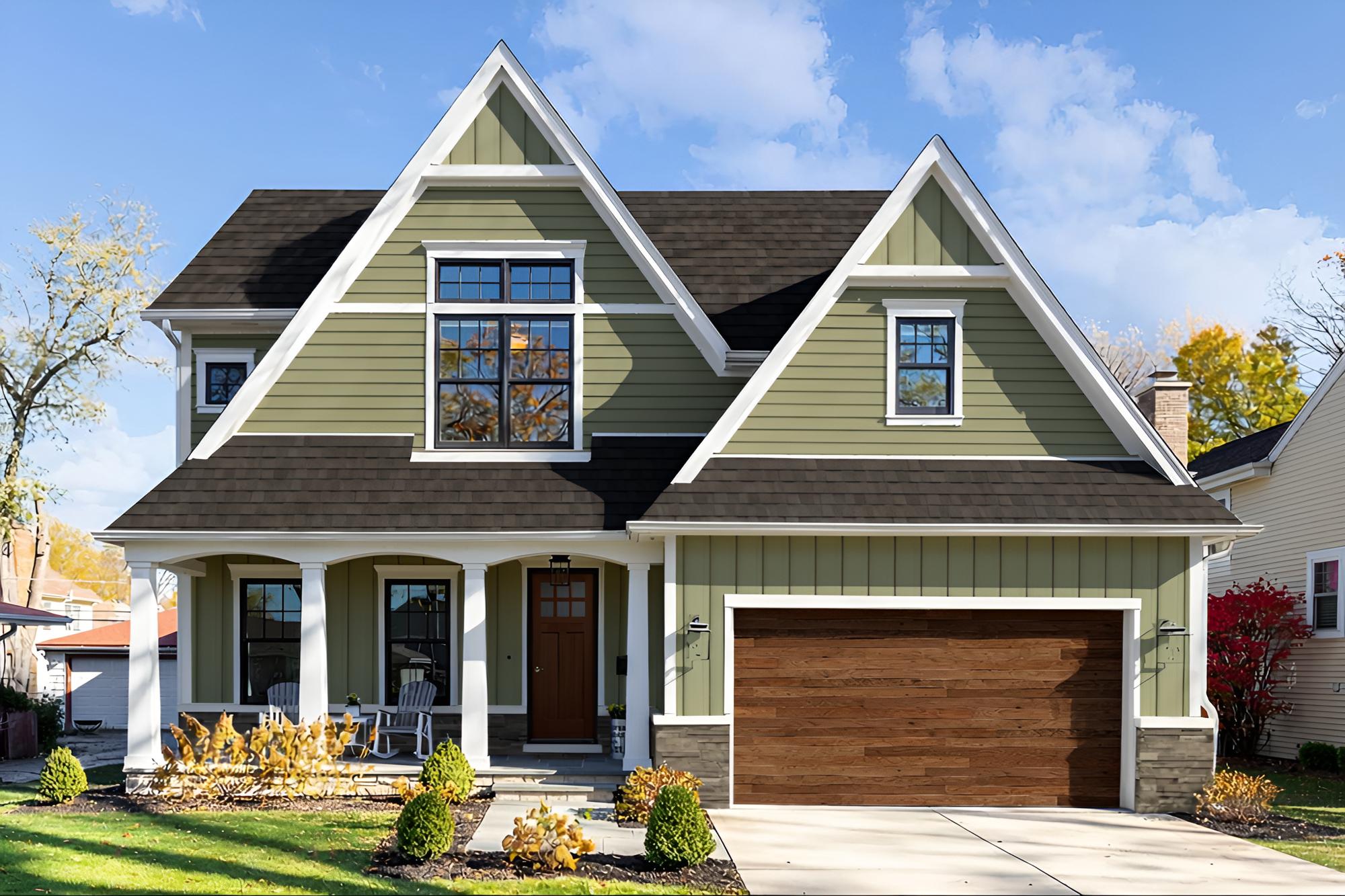 Your photo
Real products applied
Your photo
Real products applied
01 / Capabilities
How does Renoworks use AI?
Three capabilities with three different jobs, and the catalog they all draw from. None of them changes the product you selected.
AI visualization
Auto-recognition identifies the siding, roof, trim, and openings in a photo of a house as separate surfaces. Real manufacturer products are then applied to those surfaces.
Image Enhance
Lighting, shadow, contrast, and sharpness are adjusted so the visualization reads as a photograph rather than a paste-up. The products and colors you chose are untouched.
Explore Image EnhanceInstant roof estimates
A measured cost range for the roof, produced from the same photo and in the same session as the visualization, rather than in a separate tool.
See Renoworks ProWhere the products come from
Every product applied is drawn from a manufacturer catalog, so a siding profile, shingle line, or paint color in a visualization corresponds to something a person can order.
See how products enter the experienceUnderneath all three, the mechanism is the same. The AI masks and segments the existing photo of the home so real products can be applied to it accurately. It is not generating a new image from scratch.
02 / The boundary
What does the AI not do?
A visualization is only useful if you can buy what is in it. Renoworks limits what the AI is allowed to touch, so that stays true.

 Original photo
Renoworks visualization
Original photo
Renoworks visualization
The AI does not generate new products. It does not alter colors or materials. It does not substitute for the manufacturer catalog. What appears on the house is what a manufacturer makes, in a color that manufacturer offers.
Masking, not generating
Renoworks masks and segments the real, existing photo of the home so products can be placed on it accurately. It does not synthesize a new image the way generative visualizers do. In the comparison above, the roofline, the windows, and the trees sit exactly where the camera found them.
An isolated, uniform design experience
A homeowner can change one element, siding for example, and the rest of the photo stays exactly as it was. Tools that generate a new image on each change redraw the whole picture, so unrelated parts of the house can shift between edits. A homeowner keeps the decisions they have already made instead of re-making them every time they try something new.
Renoworks is the only company that offers both AI visualization and instant roof estimates for lead capture.
03 / By category
Which surfaces can I visualize?
Each surface has its own visualizer. Start with the one you are deciding on.
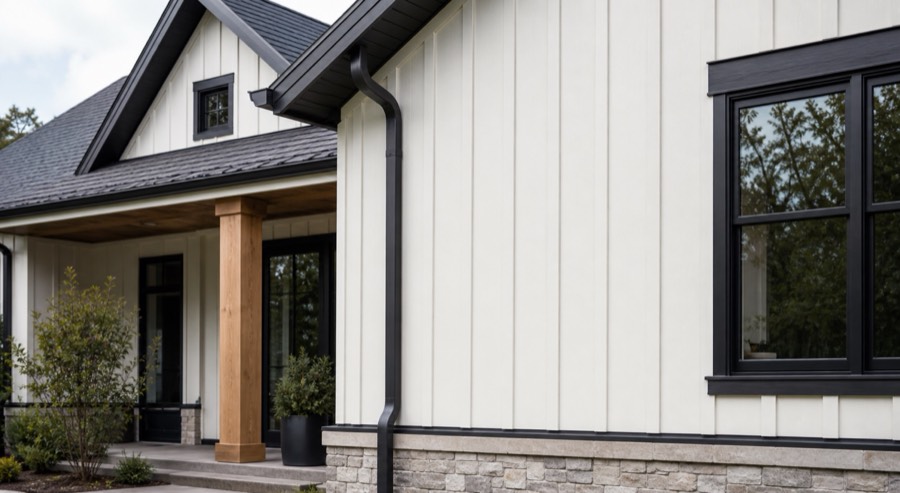
Siding
Real siding profiles and colors from manufacturer catalogs. Compare profiles and change one at a time while the roof, trim, and windows stay as they are.
Open the siding visualizer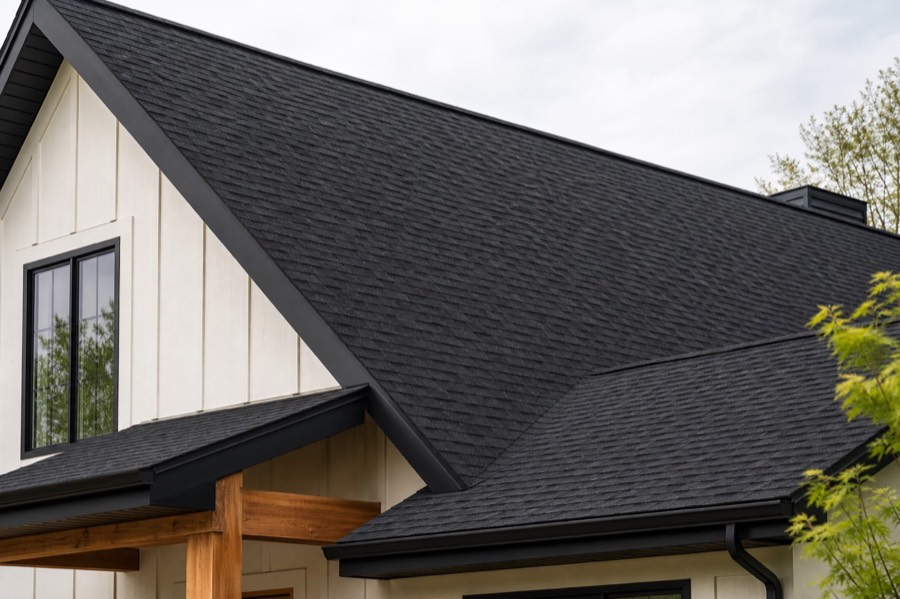
Roofing
Real shingle lines and colors. Roofing is also where instant estimates apply, so a color decision and a measured cost range can happen in one session.
Open the roof designerPaint
Real paint colors on the painted surfaces only, with the roof, windows, and trim left alone. Judge a color against the materials you are keeping.
Open the paint visualizer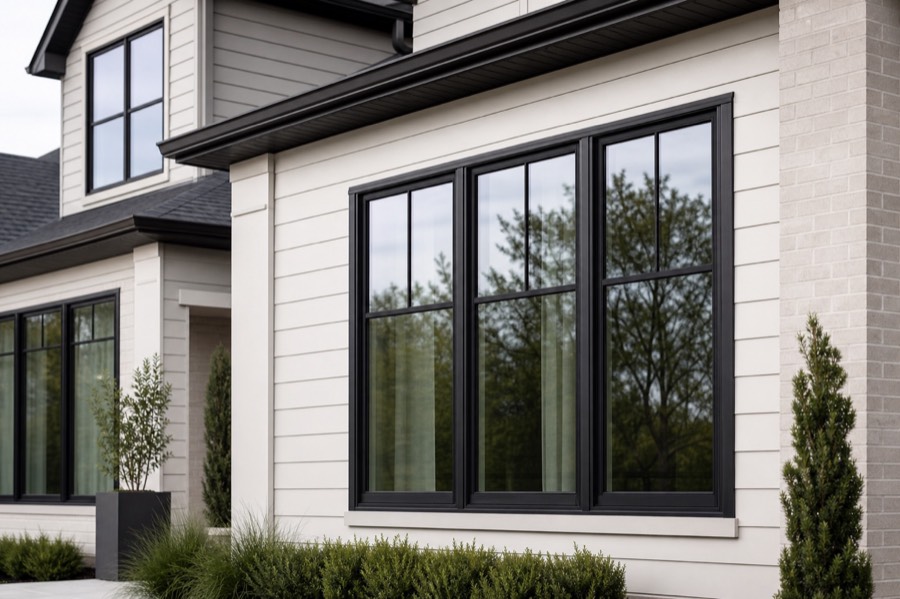
Windows and doors
Auto-recognition identifies window and door openings so replacement styles can be applied. Openings are the hardest surfaces for auto-recognition to identify, so this is where it does the most work.
Open the window visualizerSee it with your own products.
Bring a photo and the products you are considering, and we will build the visualization with you.
04 / The comparison
How is this different from generative AI?
Any AI can make a striking image of a house. The question is whether the house in it is yours and whether the materials on it are ones you can buy.
A generative AI tool
No link to a product catalog
It has never seen a manufacturer line, so the siding and shingles it draws are an approximation rather than something you can order.
The whole image is remade
Each change regenerates the picture, so parts of the house you had settled on can shift between versions.
The result is not a specification
A contractor cannot quote from it, because nothing in the image maps to a real product code or color.
Renoworks
Built from a real catalog
Every product applied is one a manufacturer actually makes, in a color they actually offer.
One element at a time
Change the siding and everything else in your photo stays exactly as it was.
The result is orderable
What you see corresponds to products you can buy, so the visualization survives the conversation with a contractor.
Against ChatGPT and the other platforms
ChatGPT generates an image that suggests a look. Renoworks applies products you can order to the photo you uploaded. Hover, Roomvo, and Hyphen each solve a different part of the problem, so the useful comparison depends on whether you need measurement, product visualization, or workflow. Each one is a full comparison.
05 / Proof
How close is the result to the finished job?
Two worked examples. The same photo and the same product selections in each, with and without Image Enhance.
Example 01 / Lap siding and stone
 Standard visualization
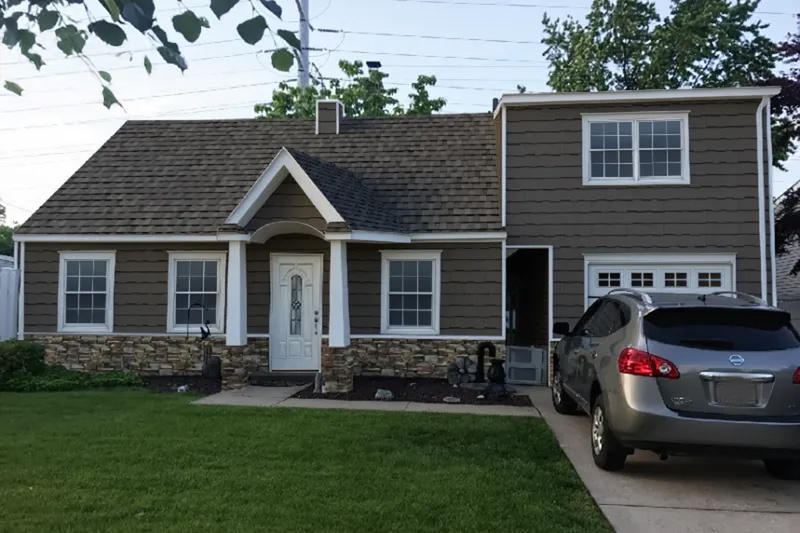 With Image Enhance
Same taupe lap siding, same stone skirt, same white trim and door. Image Enhance deepened the shadow under the eaves and the portico, warmed the late day light across the siding, and softened the edge where the siding meets the stone.
Example 02 / Two story farmhouse
 Standard visualization
 With Image Enhance
Same sage green board and batten, same brown shake roof, same stained wood garage doors. Image Enhance added depth to the shingle courses, warmth to the light on the siding, and softer transitions where one material meets another.
The products are identical in both frames of each example. Image Enhance changed the light, the shadow, and the material texture, and changed nothing about which siding, roof, or color is shown. That is the whole of what the enhancement step does.
A visualization is still a decision aid rather than a guarantee. Photography, daylight, and screen settings all affect how a color reads, and manufactured materials vary between production runs. Confirm a final choice against a physical sample before ordering.
See what Image Enhance changes06 / Questions
Common questions
What is AI home exterior design?
AI home exterior design uses artificial intelligence to help you preview real siding, roofing, and paint products on a photo of your own home. Renoworks applies these real products directly to your photo, so you can see your options clearly before any work begins.
What is the best AI app for exterior home design?
The best AI app for exterior home design shows you real products, not computer-generated approximations, on a photo of your own home. Renoworks applies real manufacturer siding, roofing, and paint products to your actual photo, so what you see is what you could actually have installed, and lets you change one detail at a time without losing sight of the rest of your home.
Does Renoworks generate a new image of my house, or use my actual photo?
Renoworks uses your actual photo. The AI masks and maps the different parts of your home, like the siding or roof, so real products can be placed accurately onto your existing photo. It does not generate a new image of a house that does not exist.
Does the AI change the actual product colors?
No. The AI improves lighting, shadow, and realism in your visualization, but it never changes the colors or materials of the products you choose. What you see reflects the real product, exactly as specified.
Can I change just my siding without the rest of my home’s photo changing?
Yes. Because Renoworks works directly on your photo instead of generating a new one with each change, you can update a single element, like your siding, and the rest of your home’s photo stays exactly the same. That is different from tools that recreate the whole image with every edit.
How accurate are AI exterior visualizations?
Renoworks visualizations apply real manufacturer products to a photo of your own home, so the colors, styles, and textures you see reflect actual products you can buy. That helps you compare options with confidence before you commit to a project.
Is the Renoworks visualizer free?
You can try the visualizer and preview a selection of products at no cost. Full access, including the complete product catalog, is available through Renoworks plans for contractors and manufacturers.
See it on your own house
Bring a photo.
See the real products on it.
Renoworks applies real siding, roofing, and paint products to a photo of your house, so the options you compare are options you can order.